Higgsfield Cinema Studio 4.0: camera and lighting controls
Explore camera, lens and lighting controls in Higgsfield Cinema Studio 4.0 and what they could mean for commercials and music video production.
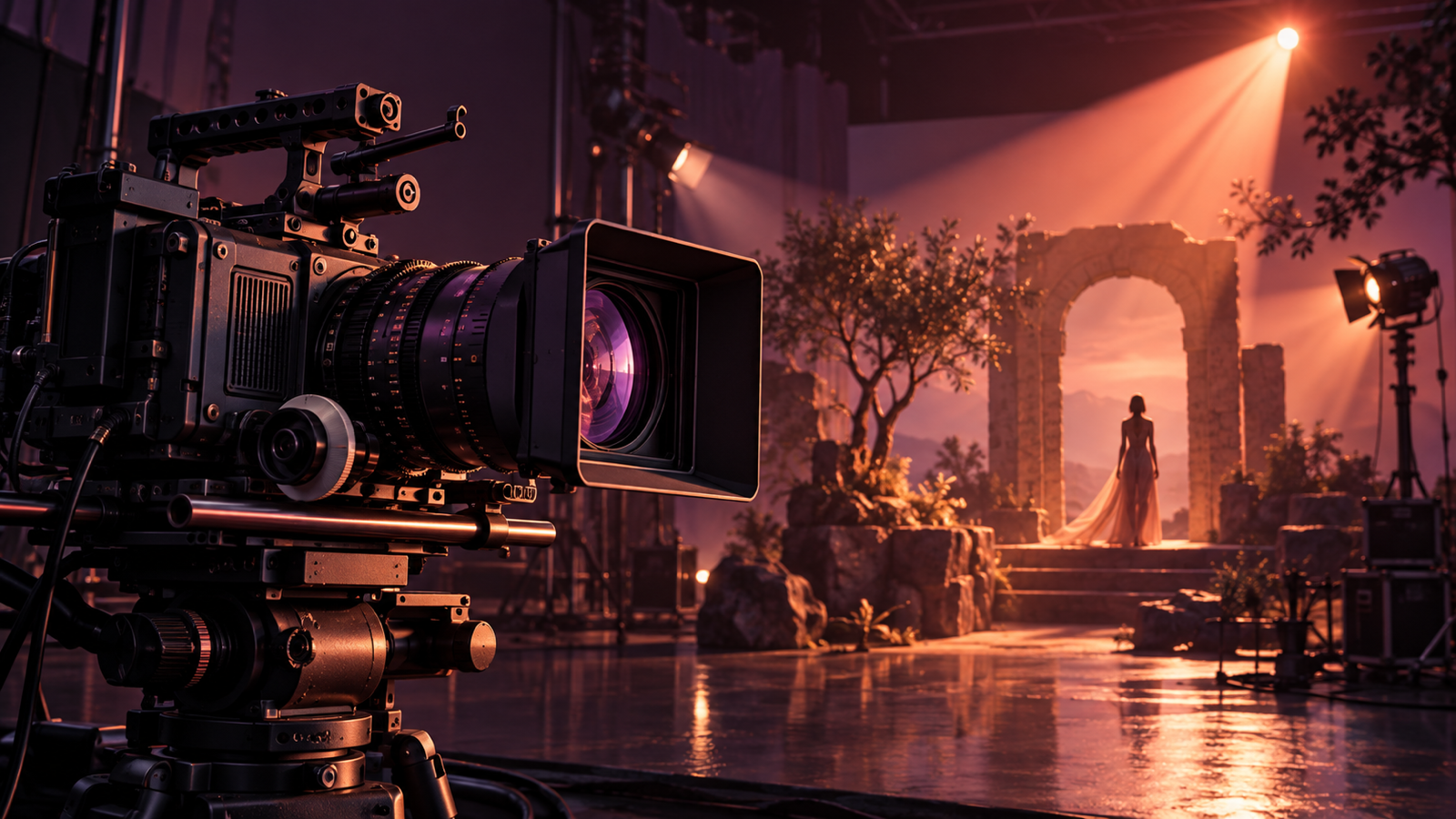
Editorial illustration; not an actual tool output.
Higgsfield’s October 28 statement describes controls for camera, lens, lighting and pacing before generation in Cinema Studio 4.0. According to the company, it supports scenes up to 30 seconds with as many as 50 references.
What do these controls change?
A commercial depends on how a product is shown, not just what appears in the frame. A close-up with soft light creates a different impression from a wide shot with hard light. Separate camera and lighting controls may help establish those choices before generation.
For a perfume commercial, a team could plan a close-up of the bottle followed by a camera move towards it. Product, location and lighting references could guide that scene.
Why does it matter for production?
These controls are relevant to teams seeking a consistent visual language across commercials and music videos. More references do not guarantee continuity. Product shape, character appearance and natural movement still require review.
At 9 AI STUDIO, we see the value in giving a director clearer ways to express visual decisions. Starting with one short scene allows the team to assess the approach before developing the rest of the film.
This article is based on the official statement, not a hands-on test. October 28 is the press-release date, not a verified first-availability date.
Keep reading
Runway: changing characters and products in existing video
Runway Character Swap and AutoComp offer ways to change characters and products in existing footage. Explore their uses and production checks.
Read article ↗
Higgsfield Content Factory: episodic AI video for brands
What Higgsfield’s Content Factory announcement means for branded AI video series: a production view on briefing, product accuracy and editorial control.
Read article ↗